How to make your photos look NOIR.
Devan Lee
How to Make Your Photos Look NOIR in Adobe Lightroom
Hello!
In today's blog, I'll show you how to give your photos a noir aesthetic.
What is NOIR?
Noir, or Film Noir, is a cinematic style that emerged in 1940s Hollywood, known for its dark, cynical tone and distinctive visuals—typically in black and white or grayscale.
I've always appreciated noir films and their themes.
Life can be unfair, and that unfairness shapes how we see the world. The vibrancy and color life offers can disappear quickly, leaving behind something gray and empty. It might sound bleak, but there's a strange comfort in recognizing those feelings of doubt, regret, and helplessness—a melancholic hope we can all relate to.
This website is built around the noir aesthetic, replicating the color schemes from classic film noir as my way of honoring the genre.
As mentioned before, Noir themes typically use a black and white / grayscale color tone -
Below is an example of such:

\ I will be showcasing how YOU can replicate this effect using Adobe Lightroom.
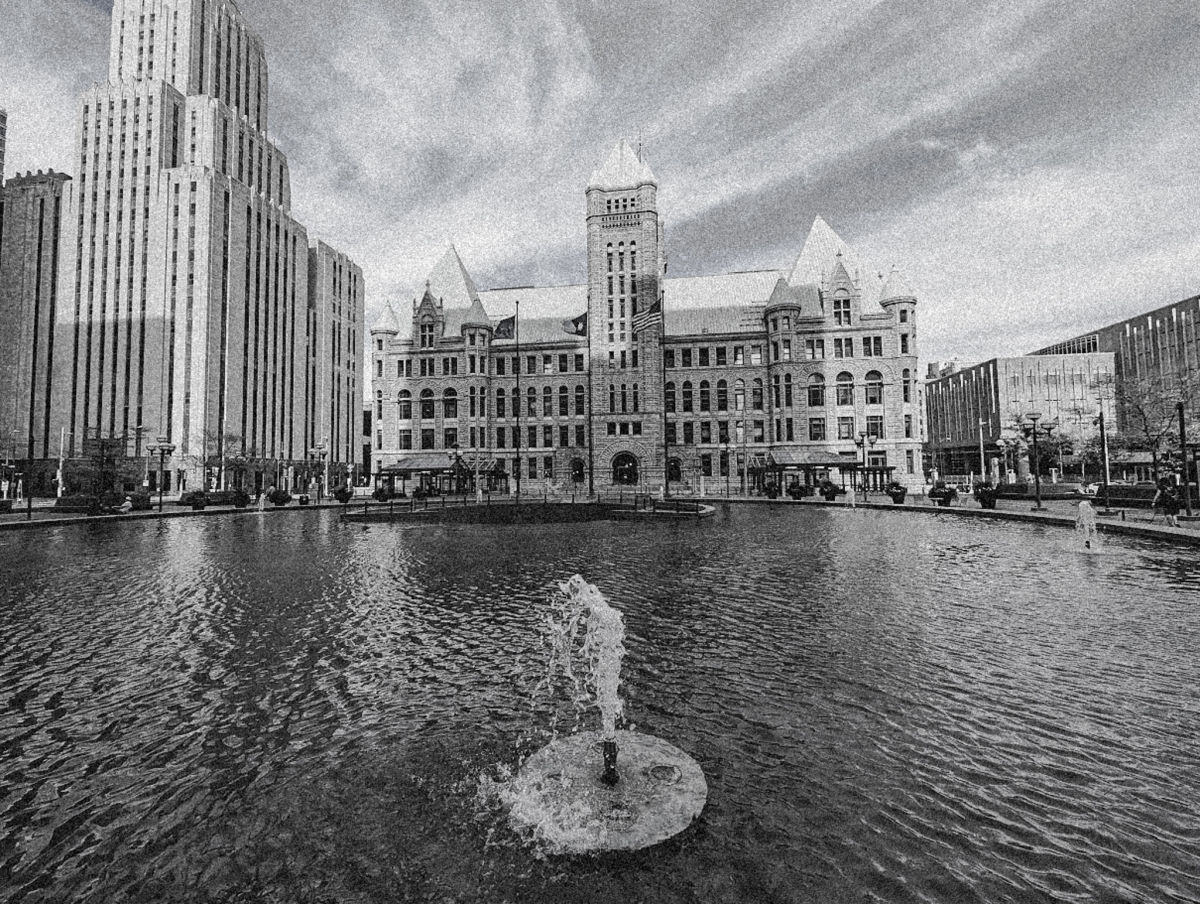
The base image I will be using to transform is of my trip to the Minneapolis Judicial Center, and my photograph of the Minneapolis City Hall.

This is a pretty shitty photo, I know- but deadass, I didn't have any other "decent" photos to use as a base, so this will have to do.
I will eventually go on a dedicated photography trip to snap more photos to use, but anyways, back to the guide.
This is the final result after adding the effects:
I really liked finding this color scheme. It took awhile to really *perfect* it, and while I do think there could be some improvements- I really like the end result.
Here are the Photo settings:
Lights -

Curves -

Colors -

Color Mixer -


Color Grading -
None, thank god.
Effects -

Well that's that. I hope you enjoy the preset, and that it makes your photos standout!
As mentioned before the NOIR genre is one of my favorites! And I had a ton of fun working on this!
Thanks for reading.
- Devv