How to make your photos look like FALL and AUTUMN!!
Devan Lee
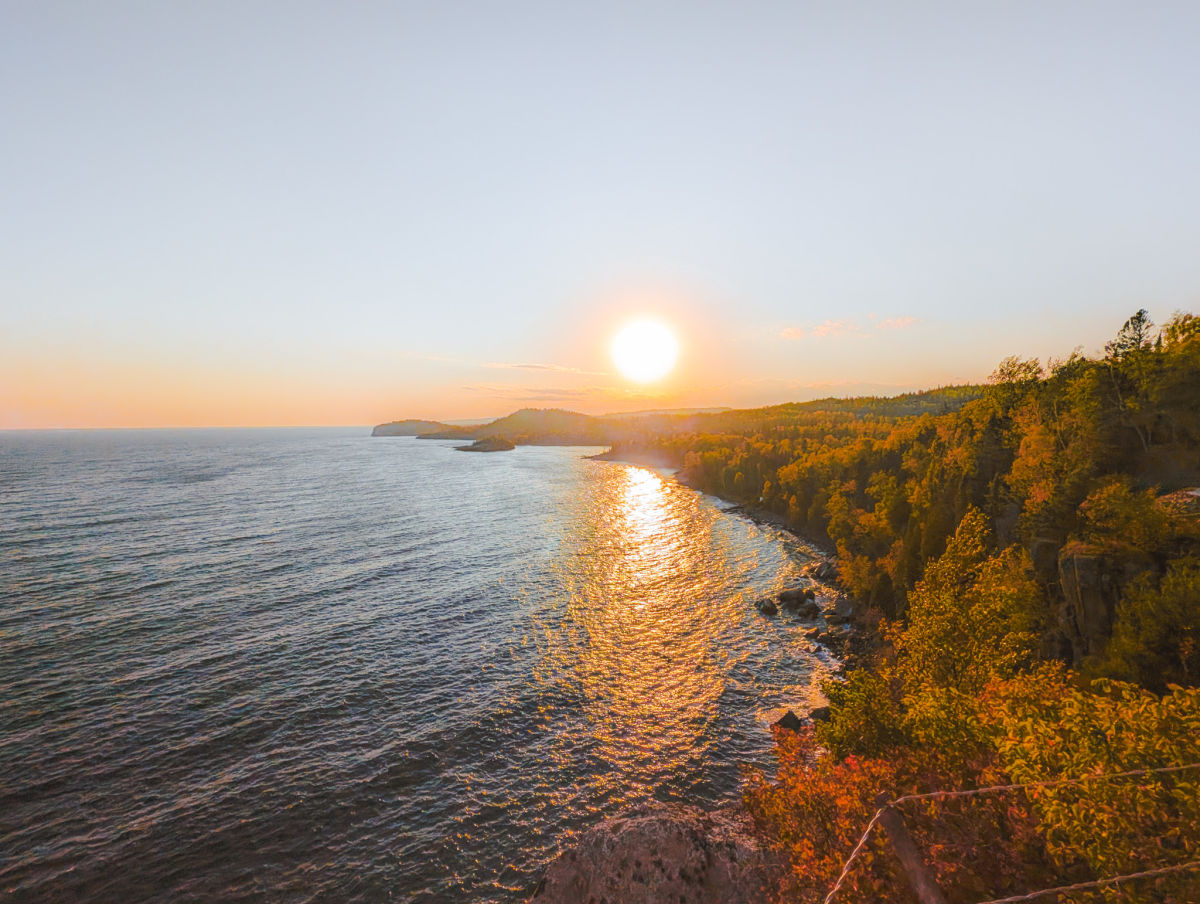
Fall — or Autumn — is my favorite season of the entire year. The cool, crisp breeze and the changing colors of the trees are always a sight worth remembering. I love this season not just for its beauty, but also for the perfect temperature and that cozy, almost somnolent feeling it brings with it. Some of my greatest childhood memories come from this time of year, which is why Fall will always have a special place in my heart.
In this blog post, I’ll show you how I tried to recreate those fall/autumn-inspired colors using Adobe Lightroom — or at least my best attempt at capturing the Fall Aesthetic.
The base template we will use is of this photo of Lake Superior and the Northern Minnesota Wilderness, during my trip to Duluth earlier this October.

This is the final result after editing - Ill include some other examples to make it better too.

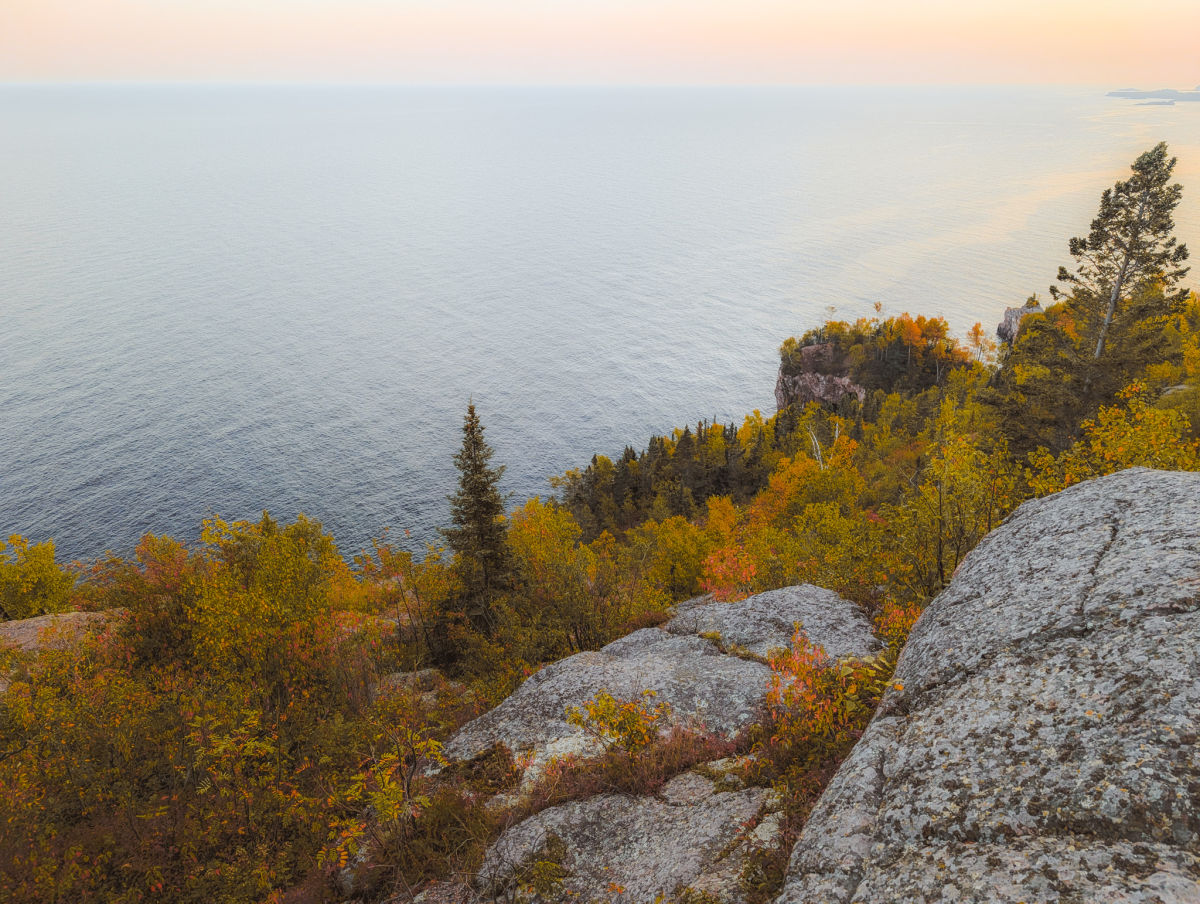

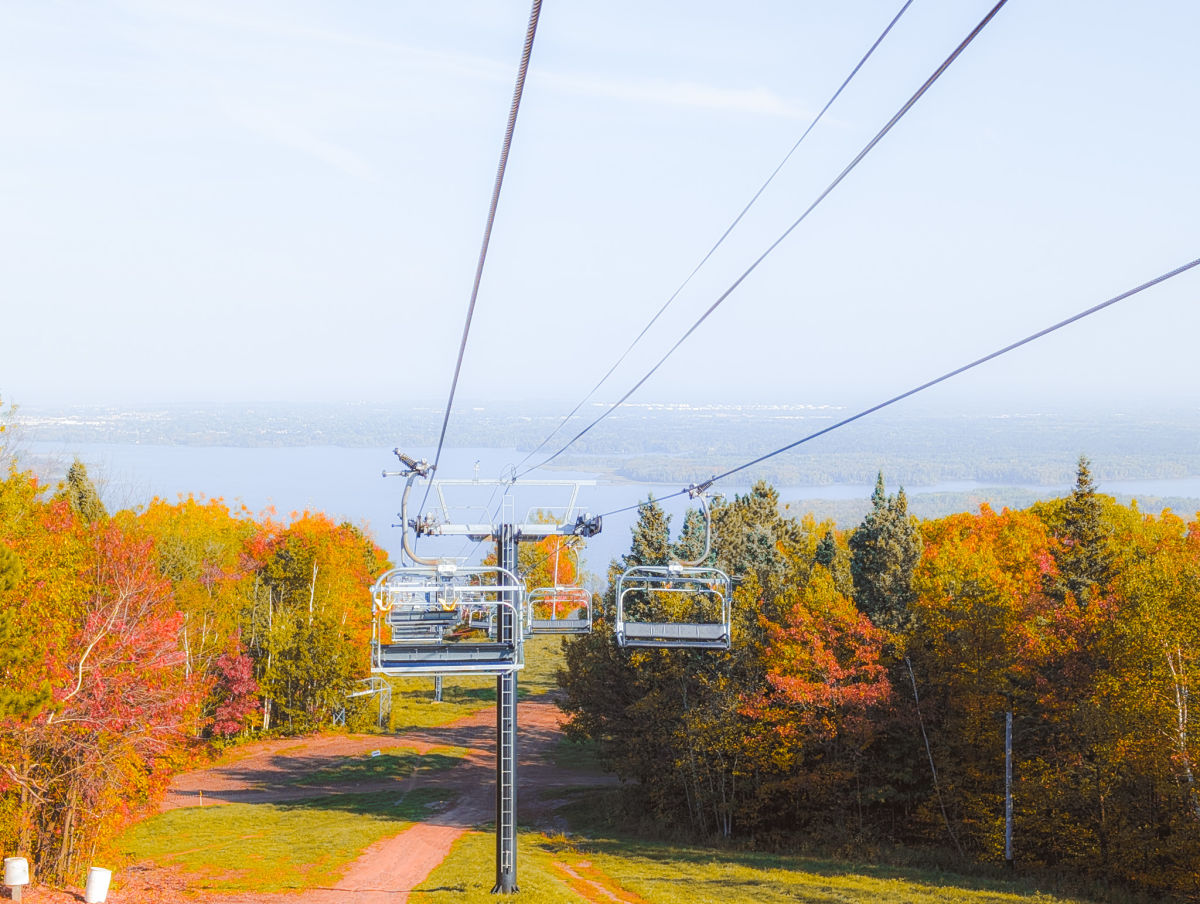
I think it may be a tad bit too saturated on photos depicted things more closely / aggressively, but on farther photos, the preset looks alright.
Here are the settings:
Lights

Curves

Color

Color Mixer –


Color Grading – Shadows

Color Grading – Highlights

Effects

Conclusion
Yeah, so- if you want to give your photos a fall aesthetic using Adobe Lightroom, try using this preset to replicate and capture that fall feeling.
Thanks for checking out the blog!
- Devv